
I have a confession.
Building emails is one of those tasks that should take fifteen minutes and somehow eats an entire afternoon. I open the email builder with a clear idea in my head, and forty minutes later, I’m nudging a header two pixels to the left, staring at a color swatch like it owes me an explanation, and wondering if the layout I picked actually looks like my brand or just looks like a template wearing my brand’s clothes to a costume party.
It’s not a big problem. It’s not the kind of thing that shows up on a P&L. But it’s exactly the kind of small, repeating task that quietly eats the hours I’m supposed to be spending on actual CEO work. The “everything work” that piles up precisely because it feels too minor to delegate and too tedious to enjoy doing myself.
So when Flodesk gave me early access to something new called Studio, I was curious in the specific way I get curious about tools that promise to save time and usually just relocate the headache. I’ve tried enough AI design tools to know the drill: generic outputs, brand guidelines that get politely ignored by message three, and an end result that needs almost as much fixing as building it from scratch would have.
Studio broke the pattern. Here’s what actually happened when I sat down with it.
What it is, in plain terms
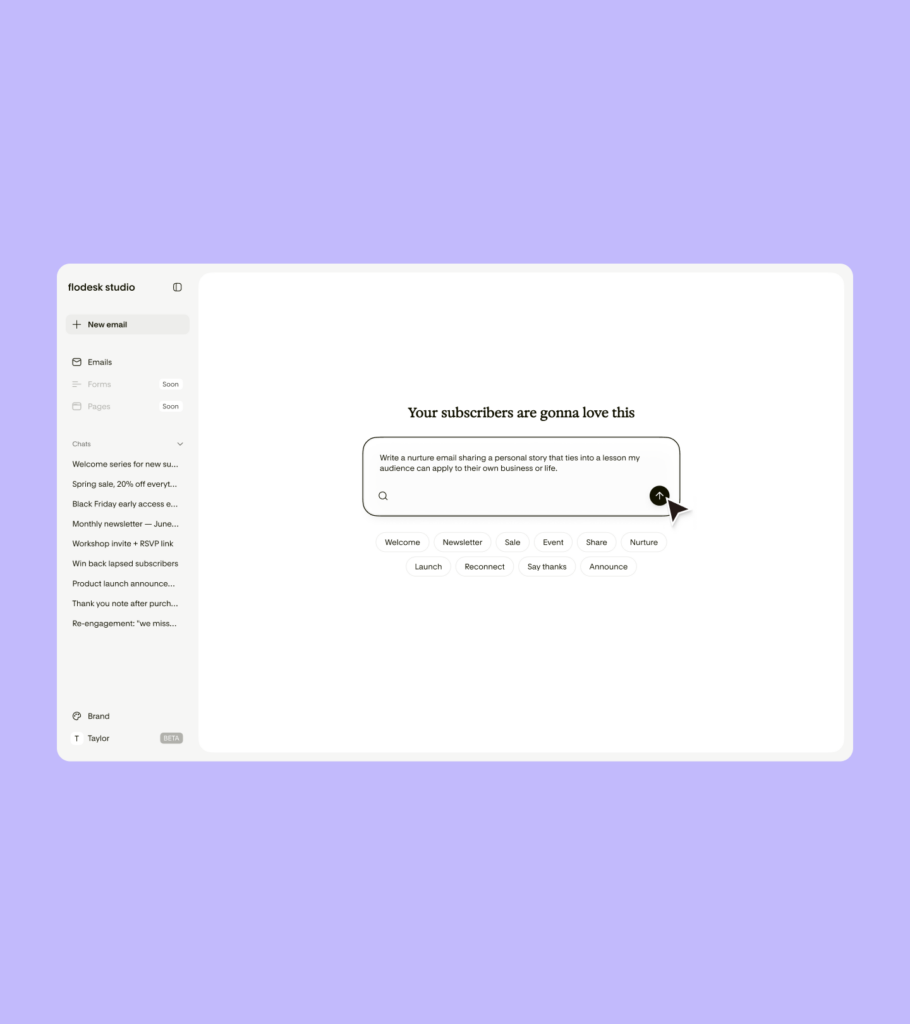
Flodesk Studio is a new email design app. You describe what you want, it builds a real, on-brand design, and you finish it. That’s the whole loop. You can refine it back and forth in chat, or you can drop into the canvas and adjust things pixel by pixel, whichever matches how your brain works that day.
The part that actually mattered to me, once I understood how it was built: the design foundation underneath is human. Flodesk’s design team built out the layouts, the blocks, the typography, the color systems, by hand, the way a real design team would for a multimillion-dollar brand. The AI’s job isn’t to generate something from nothing. Its job is to take those human-built pieces and assemble them around your brand and your prompt. That’s a meaningfully different thing than “AI made this,” and it shows up in the output.
It’s free while Flodesk is in beta. No credit card, no catch, just an open invitation to use it and tell them what you think.
Setting it up
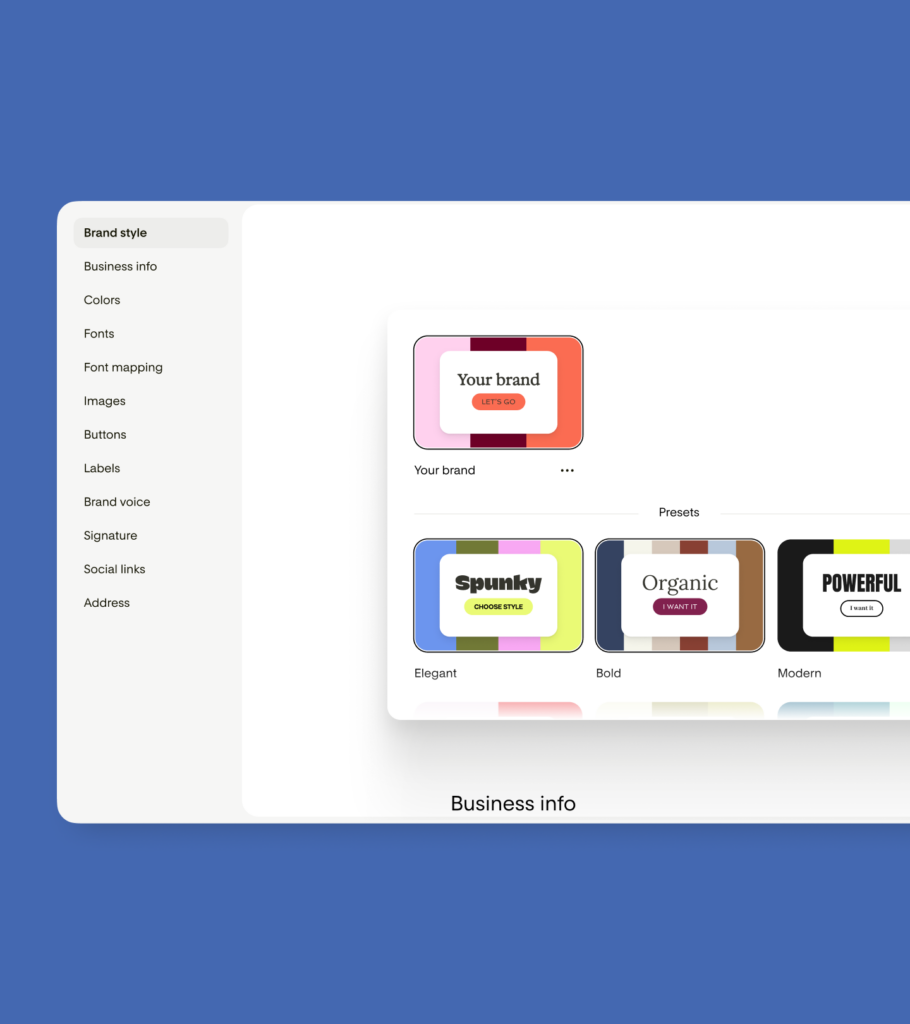
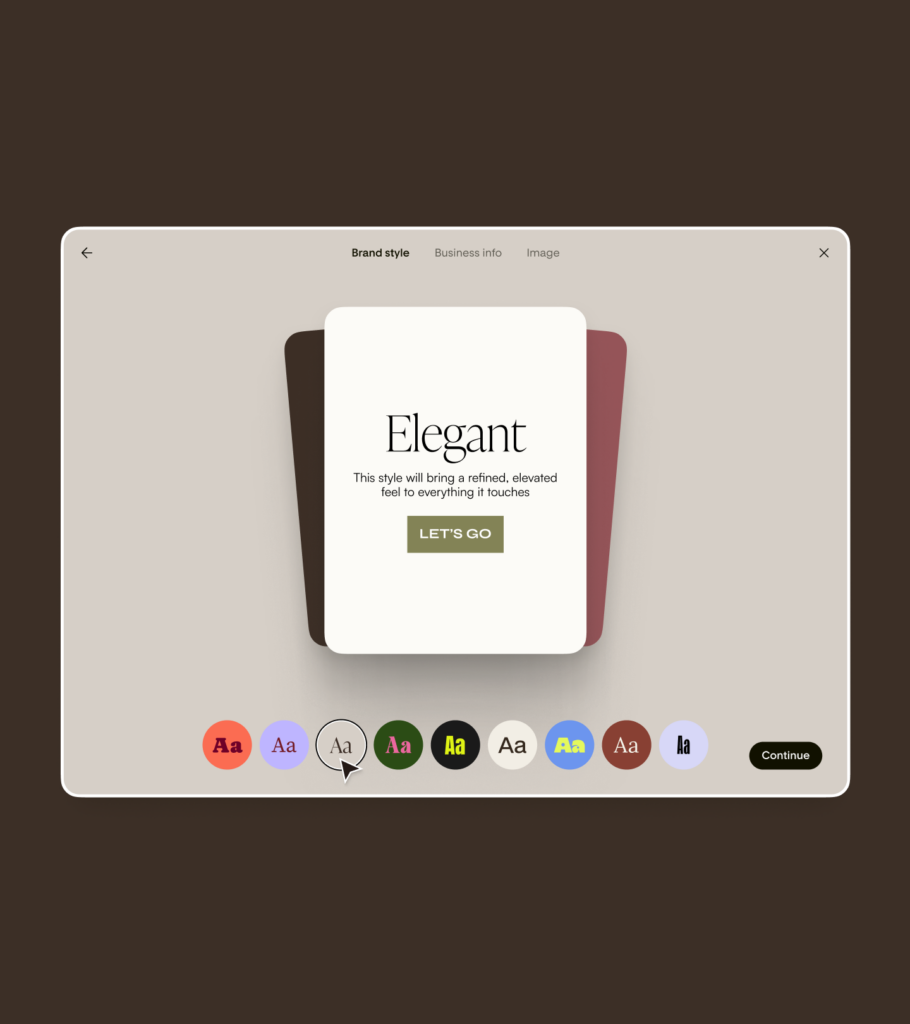
Before you write a single prompt, Studio makes you set up your brand. Colors, fonts, voice, social links, all of it. There are pre-made brand styles to start from if you don’t have your own locked in yet, with names like Elegant, Bold, Spunky, and Modern, each one a genuinely different visual direction rather than the same template wearing a different lipstick color.
Once your brand profile is in, Studio actually remembers it. Every email it generates after that pulls from your real fonts and colors instead of making you fix it after the fact. That one step is the difference between a tool that knows your brand and one that’s just guessing and hoping you don’t notice.
Using it
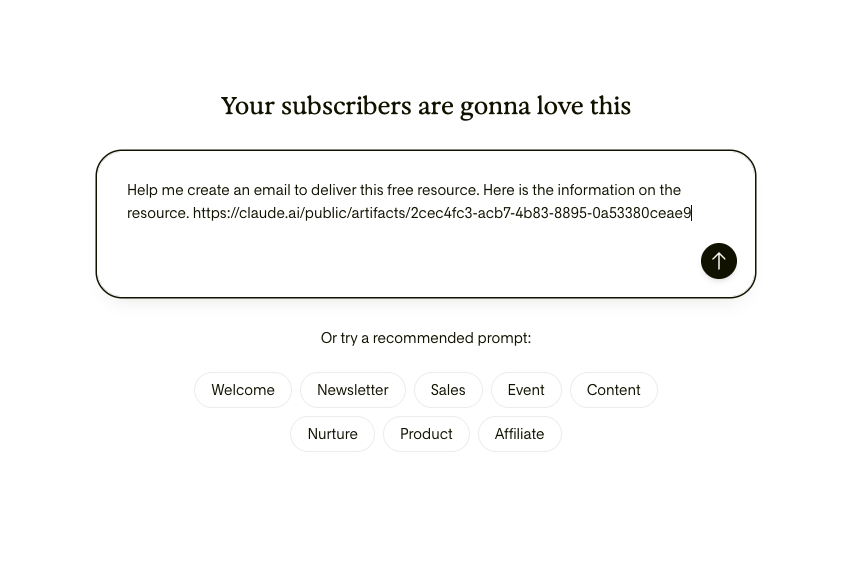
The chat interface is where the real magic shows up, and by magic I mean the time you get back. You type something like a real instruction, not a magic incantation, just what you’d say to a designer if you had one sitting next to you. “Write a nurture email sharing a personal story that ties into a lesson my audience can apply to their own business or life.” Or, when I needed to deliver a free resource I’d built, I just dropped the link in and told Studio to build the delivery email around it. No further explanation required, which is more than I can say for some of my team meetings.
From a prompt like that, Studio hands you three directions to choose from: a visual version, a banner version, and a plain text version, each one already laid out and already in your brand. That’s roughly eighty percent of the work done before you’ve touched a single thing.
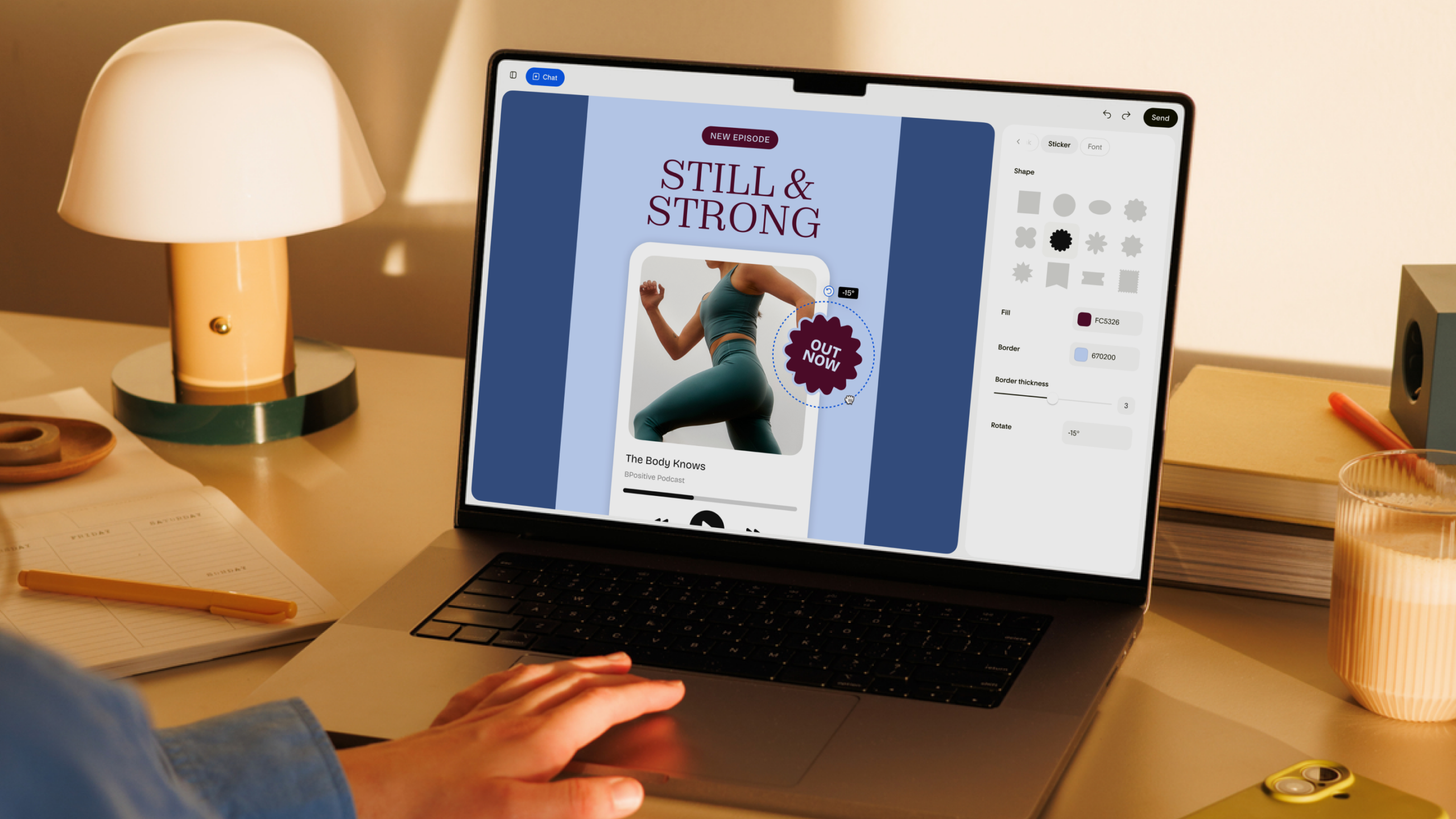
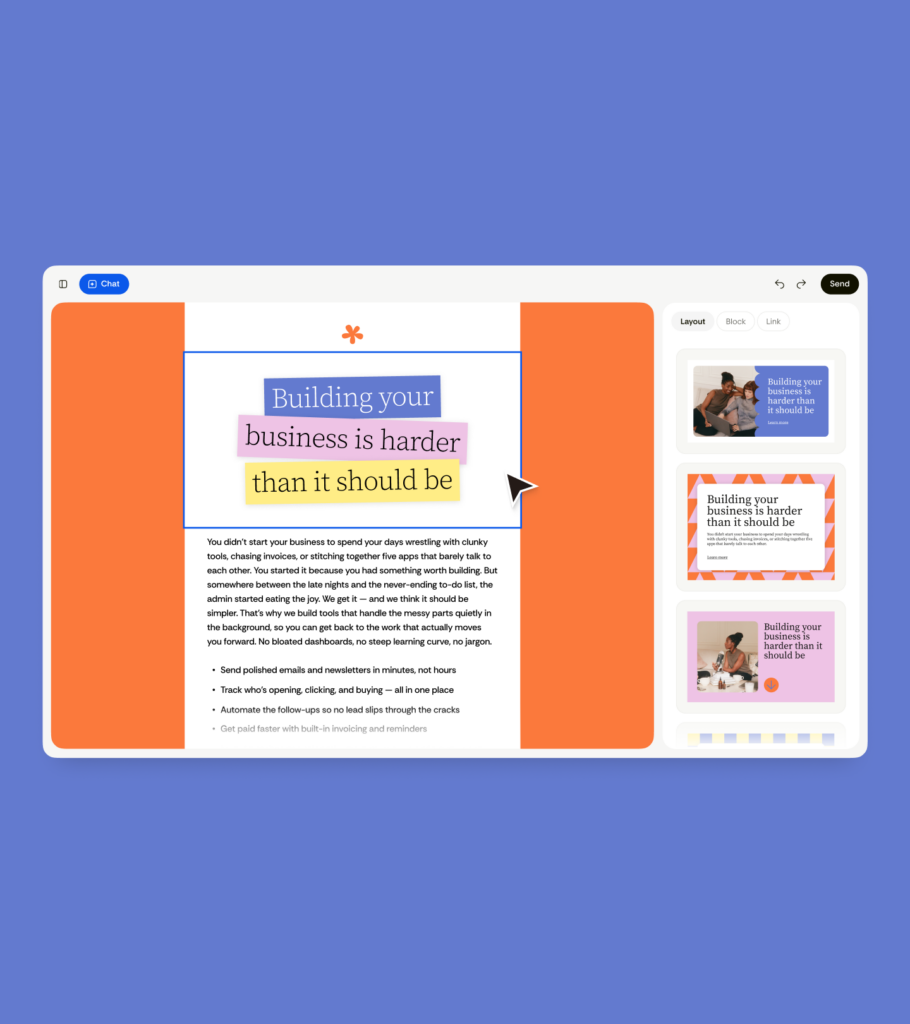
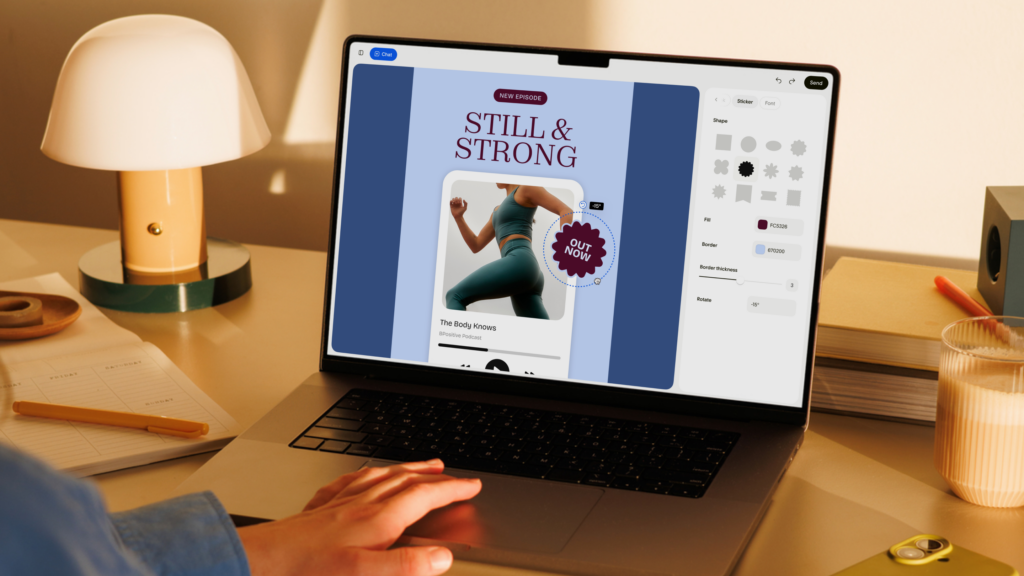
From there, you can keep talking to it in chat to adjust the tone or structure, or go straight into the canvas and get hands-on. The manual builder has a real range: headers, banners, testimonials, countdowns, polls, recipes, quotes, and personal bios. You can drag stickers around the page, rotate them, change their fill and border
right there on the canvas, which sounds like a small thing until you’re the kind of person who has strong, specific opinions about exactly how tilted a badge should be. I am, apparently, that kind of person, and now I have the tool to match.
What I actually noticed
The thing that struck me wasn’t the speed, although the speed is genuinely a little rude. It was what came out the other side that looked like something a person made on purpose. Not a stock layout with my logo slapped on top like a sticker on a laptop. An actual design decision, made in my fonts and my colors, that I could either accept as is or push further.
That’s the whole philosophy behind it, as far as I can tell. Flodesk built Studio to be a place you create in, not a person doing the creating for you. The system hands you real design work and then gets out of the way. You’re still the one making the call on what stays and what goes. That distinction matters more than it sounds like it should, because the second a tool starts making your decisions for you, you stop trusting the output. Studio never asks you to hand over the keys.
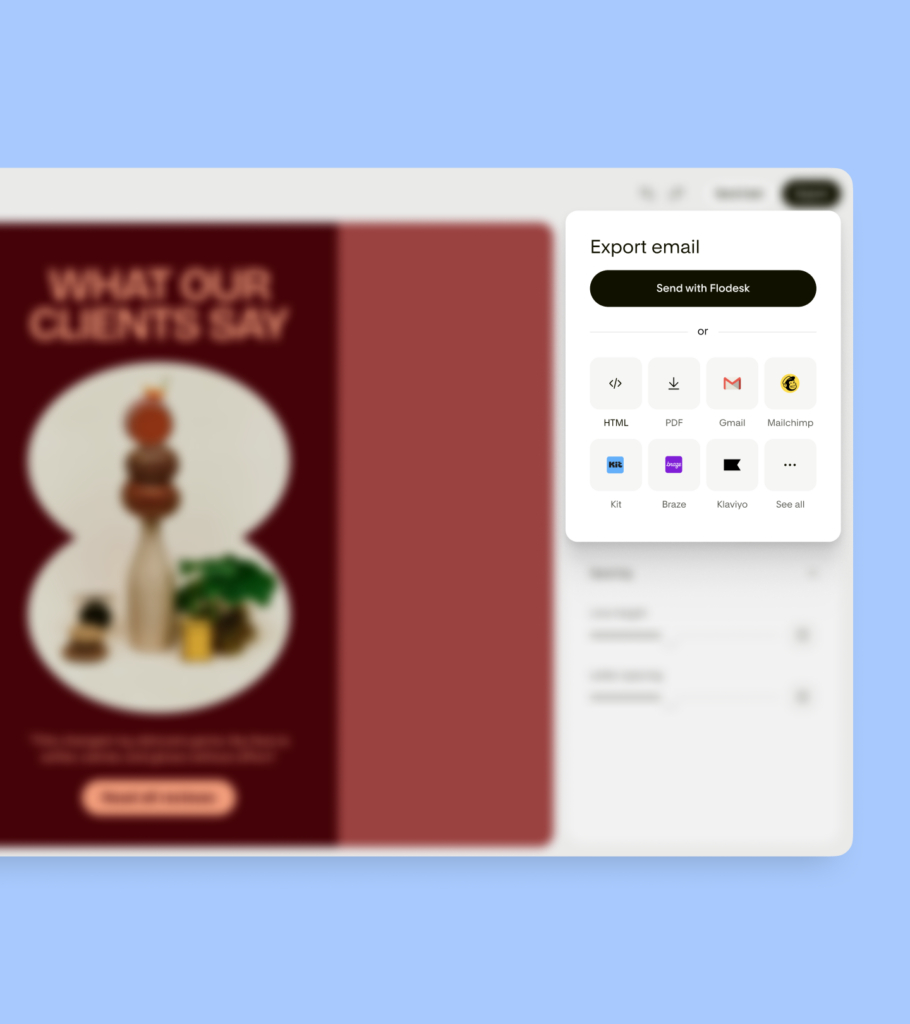
And when you’re done, you’re not locked into Flodesk to use it. Send straight from Flodesk, or export the whole thing as HTML and drop it into Mailchimp, Kit, Beehiiv, or whatever you’re already running. Design here, send anywhere. No hostage situation, no fine print.

Should you try it
If you make emails for your business, and you’ve ever lost an afternoon to a layout that should have taken minutes, yes. Obviously yes. It’s free right now, it’s fast in a way that feels slightly unfair to every other tool you’ve used, and it’s the rare AI product that left me with something I wanted to keep instead of something I needed to quietly fix before anyone saw it.
Go play. Start creating today at studio.flodesk.com.
This post is in partnership with Flodesk.